Query Knowledge Graphs in the Open Knowledge Network
OKN Query Page
OKN Fabric offers a query page that enables anyone to query specific Theme 1 graphs or query across graphs (i.e., a federated query). The OKN Query Page (formerly FRINK) is located at https://frink.apps.renci.org.
Query Across Graphs
To query over all available data sources, select Proto-OKN Federated SPARQL from the Sources drop down. Be sure to deselect all other sources. This will submit the query to a server-side endpoint federating all sources.

Query Specific Graphs
Using Comunica query federation
The query page allows selection of a single knowledge graph or multiple knowledge graphs to query.
From the Sources drop-down menu (shown below)

You can select one or many of the graphs comprising OKN.
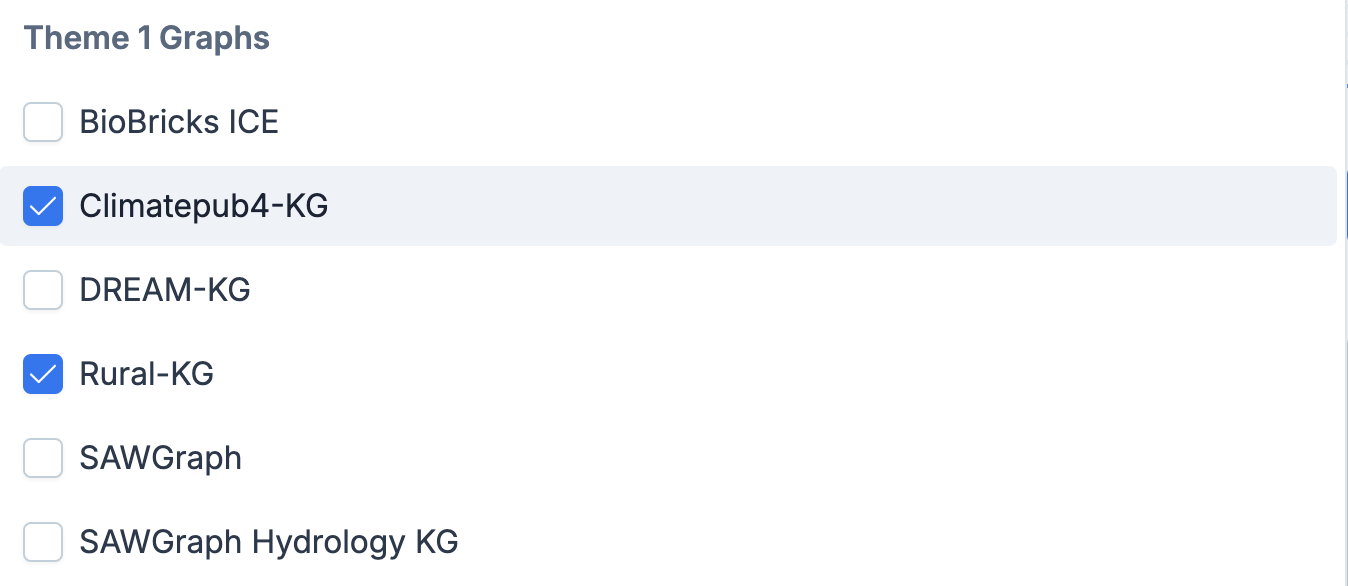
Then you can construct a query in SPARQL using the SPARQL Query pane and run the query against the data sources you selected in the Sources drop down. Click the Run Query button to execute the query.
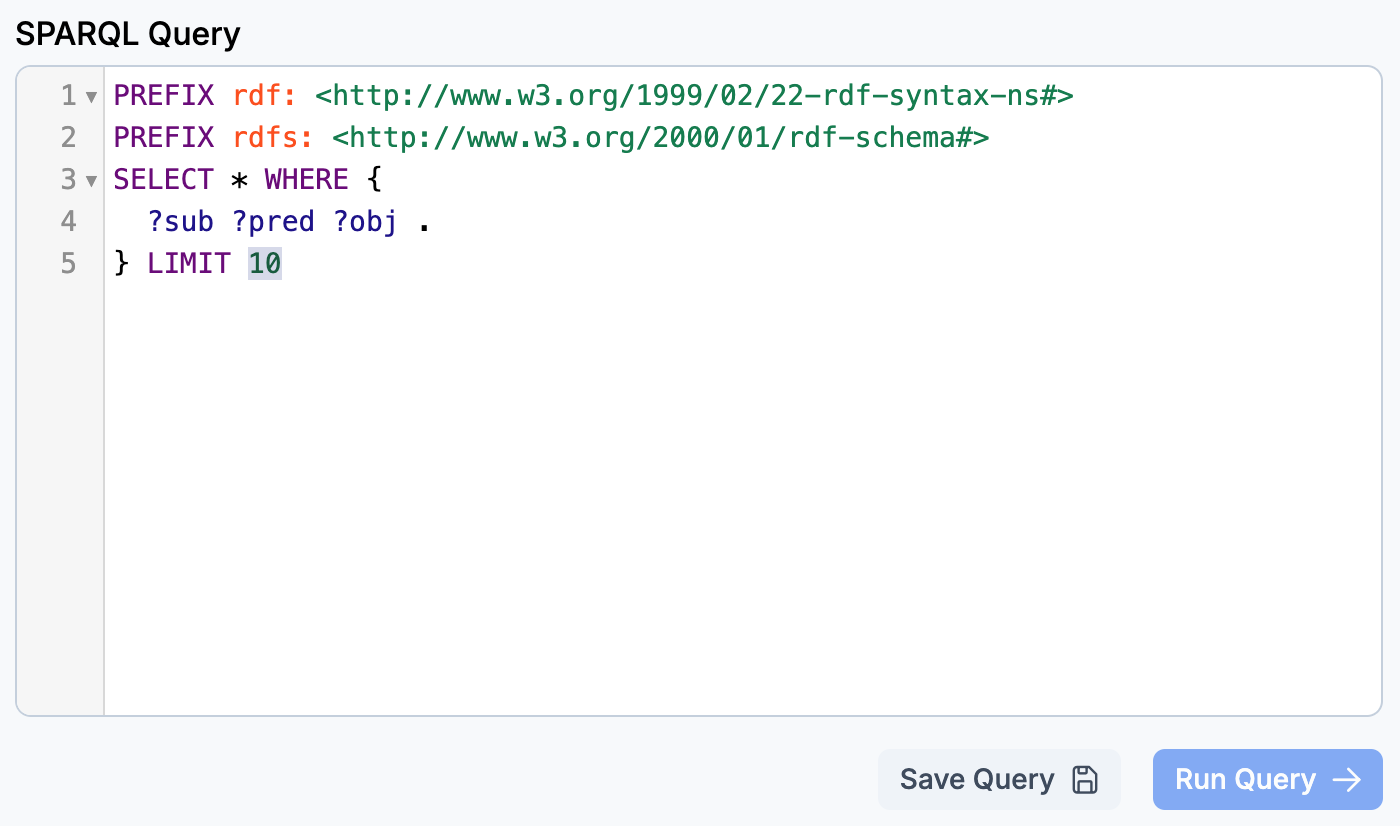
Note: Currently, selecting multiple sources uses the Comunica package to perform a federated query against Triple Pattern Fragment endpoints for those sources. The practical result of this is that the query execution happens locally, in your browser. This can be quite a bit slower than running a SPARQL query within the database server. An alternative approach is detailed below.
Using named graphs in the Proto-OKN Federated SPARQL endpoint
Instead of selecting individual graphs in the Sources drop-down, deselect them all and choose Proto-OKN Federated SPARQL. This graph is not truly federated, but instead is a large triplestore containing all the OKN knowledge graphs. By default, a query will include all graphs. To select a specific set of graphs to query over, use FROM clauses to list the desired graphs, e.g.:
SELECT *
FROM <https://purl.org/okn/frink/kg/ubergraph>
FROM <https://purl.org/okn/frink/kg/wikidata>
WHERE { ?s ?p ?o }
LIMIT 10
Replace the last part of the graph IRI with the shortname of the desired graph in the OKN Registry.
Query Using Examples
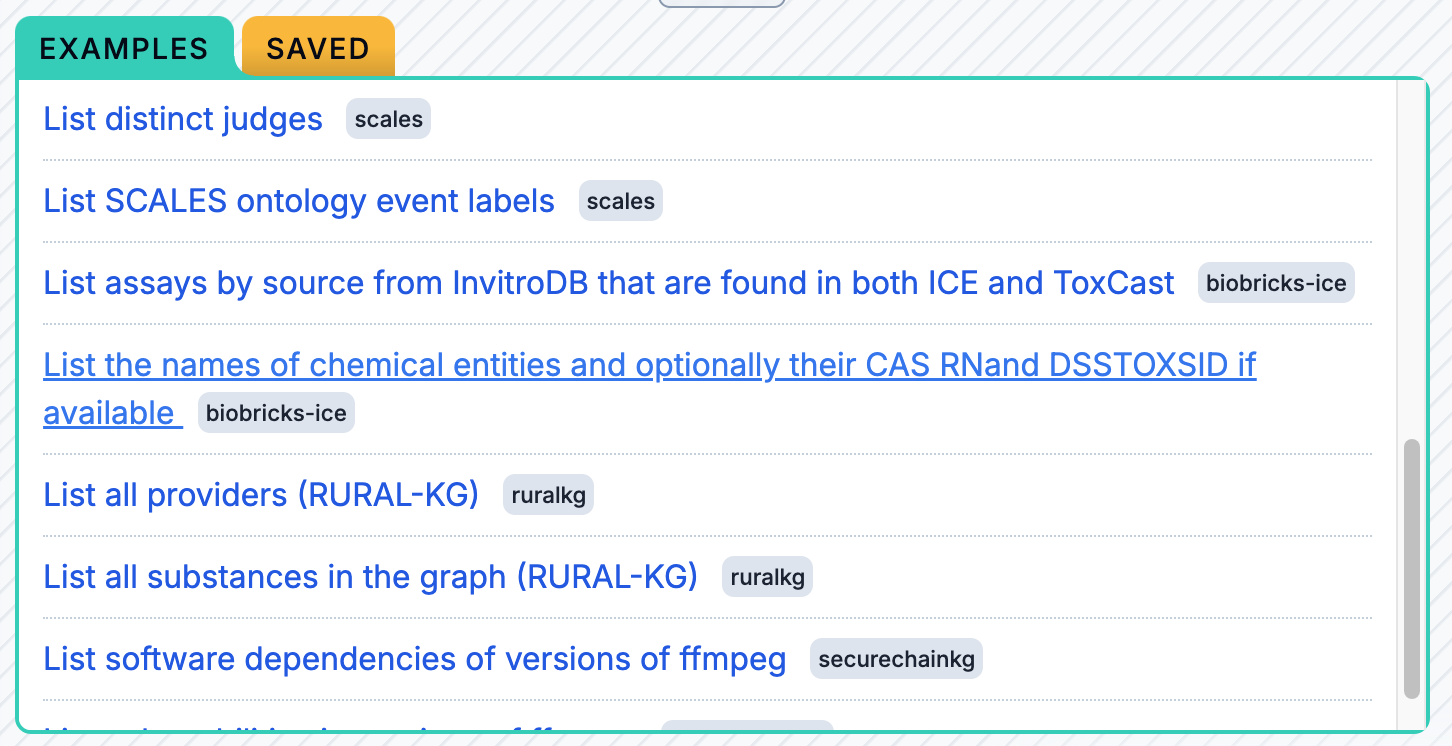
In the EXAMPLES pane, you can select a pre-formulated SPARQL query from the list. The EXAMPLES pane includes queries from distinct Theme 1 graphs as well as from other graphs that are used in the OKN (e.g., Ubergraph), with each example query clearly labeled.
Saving Queries and Downloading Output
In the SPARQL Query pane, you can click the Save Query button to save your query. It will appear in the SAVED panel as shown below.

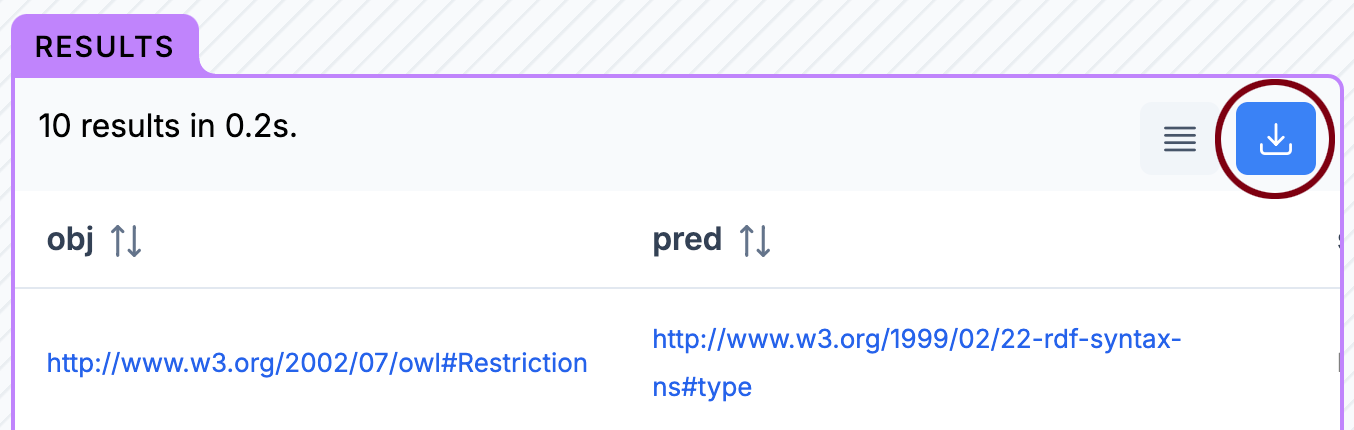
In the RESULTS pane, you can click the blue download button to download the output of your query. The button is circled in red below.
SPARQL Endpoints
Fabric deploys standardized API endpoints for each hosted knowledge graph. Currently, Fabric provides the following kinds of APIs:
-
SPARQL: SPARQL is the standard graph querying language for RDF datasets.
-
TPF: TPF (Triple Pattern Fragments) is a low-cost interface to RDF datasets that supports querying a single triple pattern at a time.
The Fabric API endpoints can be used progammatically (see below), or else accessed using the OKN SPARQL query page, built on the Comunica knowledge graph querying framework.
Theme 1 Specific Endpoints
See the OKN Registry entries to view the graphs currently available within the OKN. The service endpoints for SPARQL and TPF are listed in each graph's entry. The SPARQL endpoints are service endpoints only (no user interface). You can query them via the OKN query page, or using a third party SPARQL tool such as Yasgui. The TPF endpoints are service endpoints but also provide a browser UI.
Cross-OKN query endpoint
- SPARQL:
https://frink.apps.renci.org/federation/sparql